ASprink Portable Printer Wireless For Travel, Bluetooth Inkless Thermal





$ 32

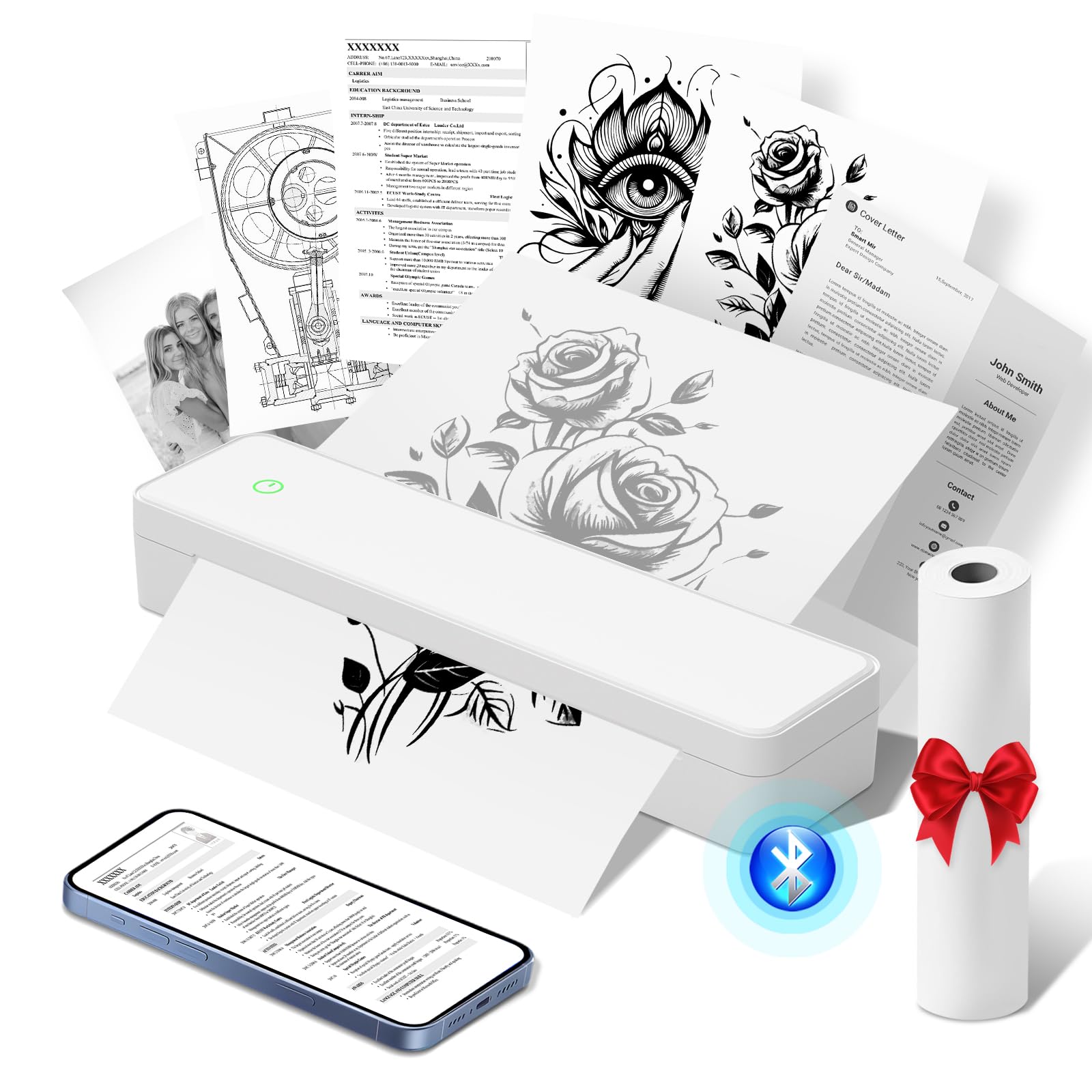
- A Portable Thermal Printer For Students, Business Travellers, Truck Drivers, Office Workers And More! High Definition Prints - M835 Portable Inkless Printer, New Thermal Technology, Imported HD Print Head
Get it delivered as soon as today. Schedule your delivery in checkout.
More delivery methods in checkout
Free & Easy Returns In Store
Return this item within 7 days of purchase.
Get an immediate answer with AI
AI-generated from the text of manufacturer documentation. To verify or get additional information, please contact customer service.
Product Details
About This Product
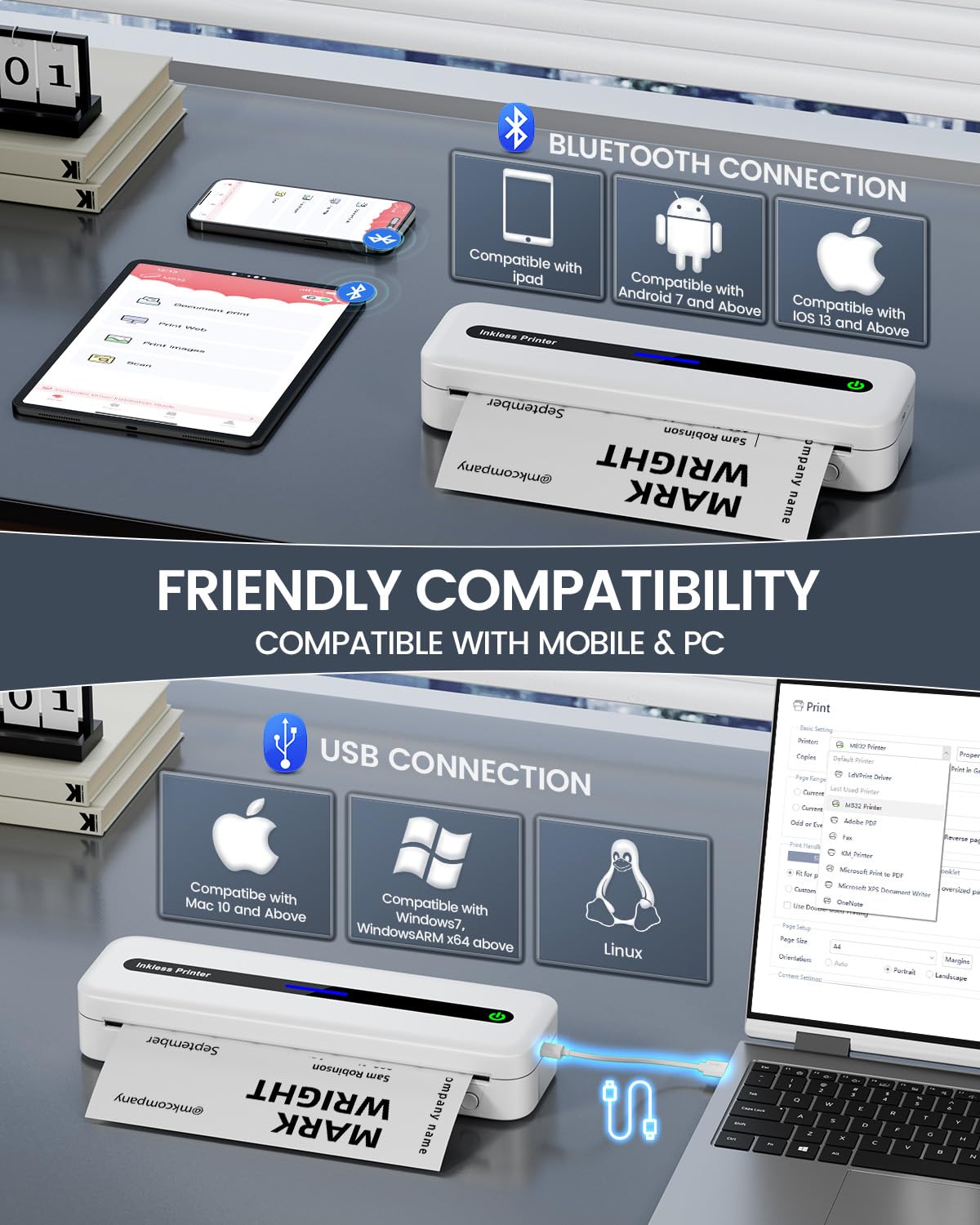
Label Printer ASprink Wireless For Travel, Bluetooth Inkless Thermal Portable Printer 𝗦𝘁𝗮𝗿𝘁 𝗣𝗿𝗶𝗻𝘁𝗶𝗻𝗴 𝗳𝗿𝗼𝗺 𝗬𝗼𝘂𝗿 𝗣𝗵𝗼𝗻𝗲 𝗼𝗿 𝗧𝗮𝗯𝗹𝗲𝘁 - Step 1: Download the Phomemo app. 1 Business 2 Office 3 Home 4 Logistic 5 School [ Package Included ] : 1 *mini printer, 50* Thermal Printer Paper, 1 *Type-C charging cable, 1* instruction manual For the USB connection, you need to connect your computer to the printer small for mobile phone via USB and then download the driver to start the printing process Inkless clear printing 1 Multiple paper 2 Multi-size paper 3 Phone Connection 4 PC Connection ASprink Portable Wireless Printer, Wireless Thermal Printer ( Note: For smartphone printing, please download the app in advance. With clean, clear, ink-free printing and versatile paper options, this wireless portable printer is an excellent choice. ) [ A4/A5 Paper Sizes & Reliable After-Sale Support ] : The mini printer supports A4/A5 size files. With a remarkable 90 days standby time, this wireless printer is a must-have for businessmen and students on the move. A portable thermal printer for students, business travellers, truck drivers, office workers and more! High Definition Prints - M835 portable inkless printer, New thermal technology, imported HD print head 1 Smooth printing 2 Paper compatibility 3 Energy efficiency Warm Tips When you want to connect to your mobile phone, you need to download the APP from the App Store or Google Play. Take printing wherever you need it with our mobile bluetooth printer. Step 2: Turn on Bluetooth on both the printer and your phone or tablet. Whether for travel or daily study and life, this wireless printer can easily fit into a backpack for on-the-go convenience. You must use a USB cable to connect the printer to your computer, and you don't need to download the driver again if you've used the M08F printer before.Product Information
Customer Reviews
4.9 out of 5